Sign up today and unlock up to $10,000 bonuses Get Now →
For the complete documentation index, see llms.txt. This page is also available as Markdown.

2️⃣Place and Manage Orders

Place an order from the order panel, then track and manage it in the Open Orders, Order History and Trade History tabs below the chart.
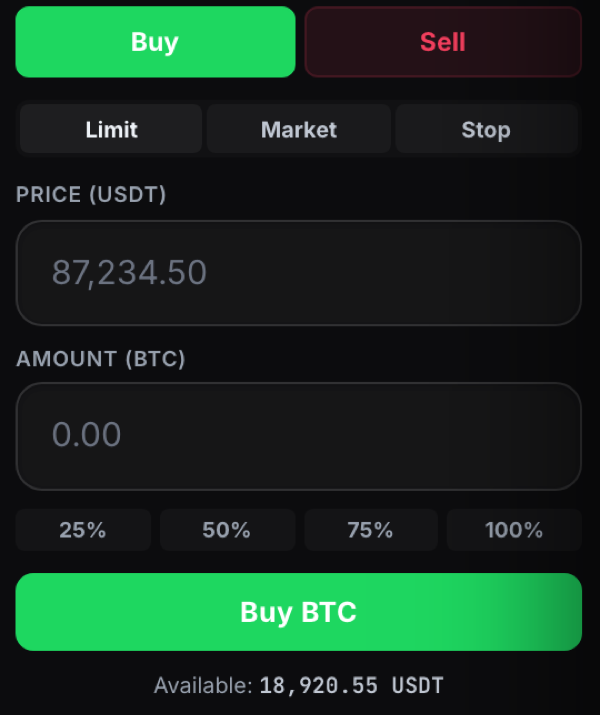
Once you place an order from the order panel, you can track it in the panel below the chart.

Placing an order from the 1 Trade Market order panel

Track your orders

The tabs below the chart keep your activity organised. Open Orders shows orders still waiting to fill, Order History shows your past orders, and Trade History shows completed trades.

The Open Orders, Order History and Trade History tabs below the chart

Last updated
